Organise contacts
Define the required contact details and responsibilities as the basis for a customer overview.
See the relevant workflow →EU CRM in everyday work
Manage contacts and sales opportunities with traceable context.
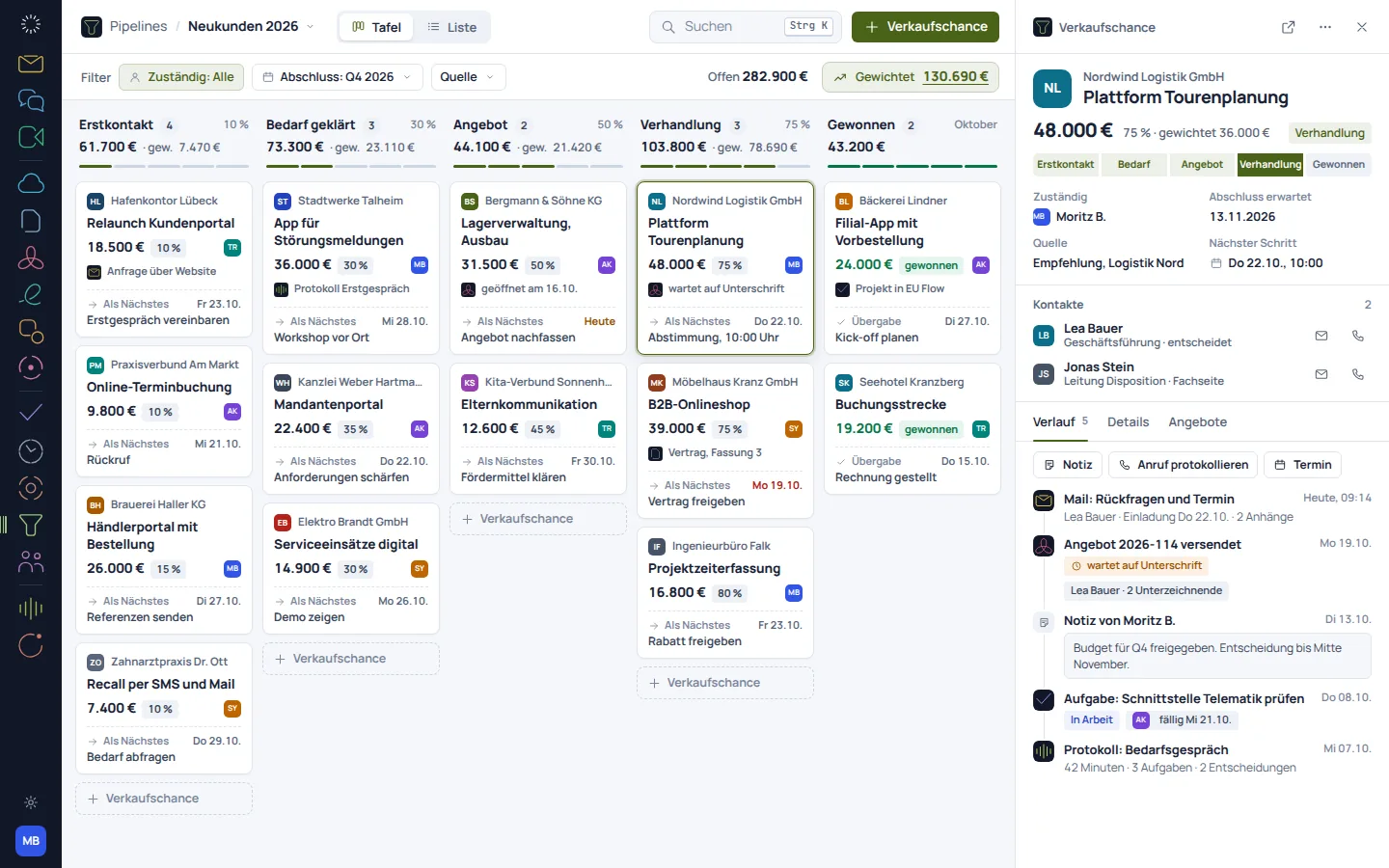
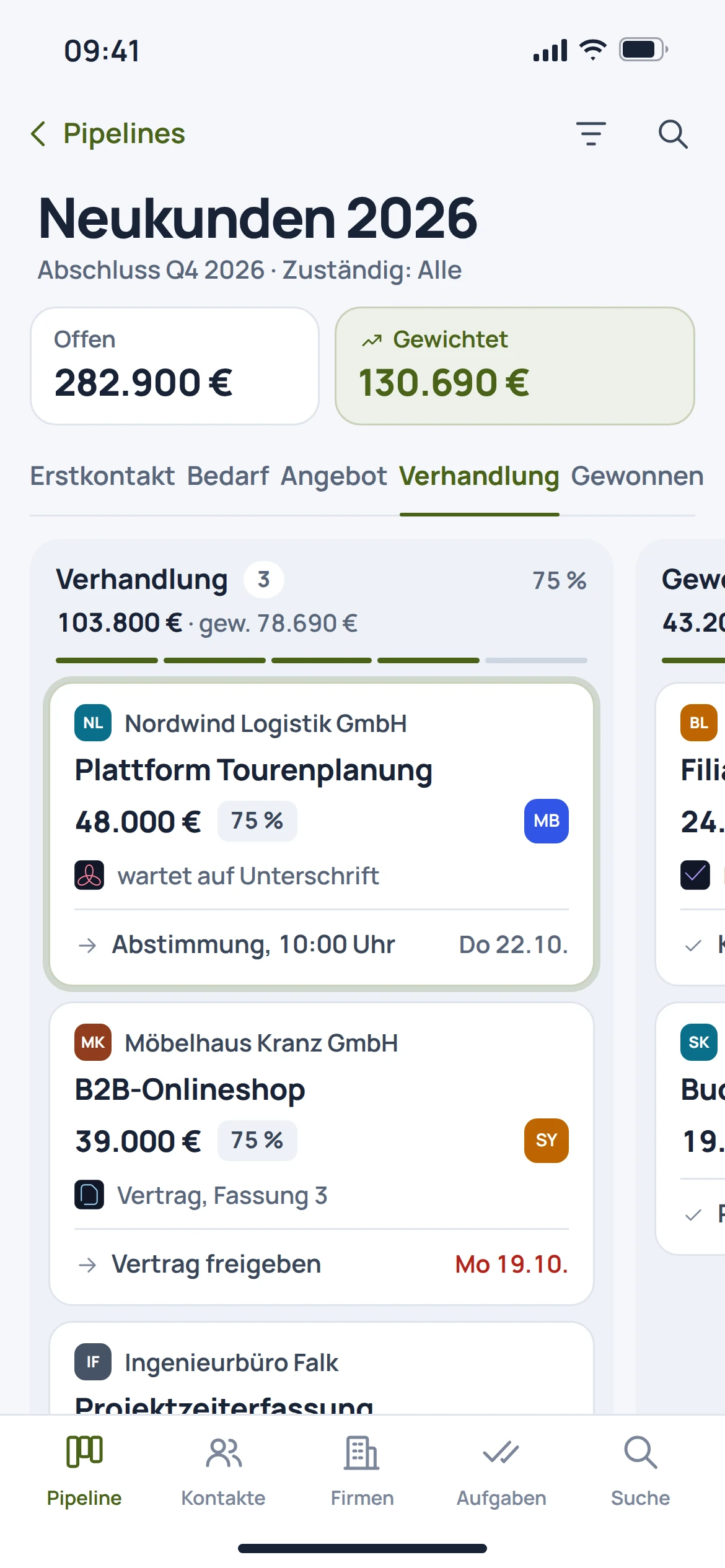
The older CRM concept views illustrate the described process. Current product recordings are labelled separately. The name, symbol and colour are provisional.
Define the required contact details and responsibilities as the basis for a customer overview.
See the relevant workflow →Organise your sales process into clear stages and review the planned pipeline.
See the relevant workflow →Align relevant information and responsibilities. Suite connections are described as a target.
See the relevant workflow →Step by step
Record the contact, company and reason for the sales opportunity.
Determine the stage, value and next conversation or work step.
Add new information and agreements to the opportunity.
Before getting started
The product materials describe an opportunity through its stage, value and associated contacts. A specific next step makes further follow-up clear.
Cross-product consolidation is planned. This page does not promise fully automatic assignment as an existing feature.
An automatic migration from another provider is in preparation. Custom fields, relationships and activities require separate mapping.
There is no image set for the older CRM product catalogue documented as a recording. The concept views shown there illustrate the described process; current product captures are labelled separately. The name, symbol and colour are provisional.